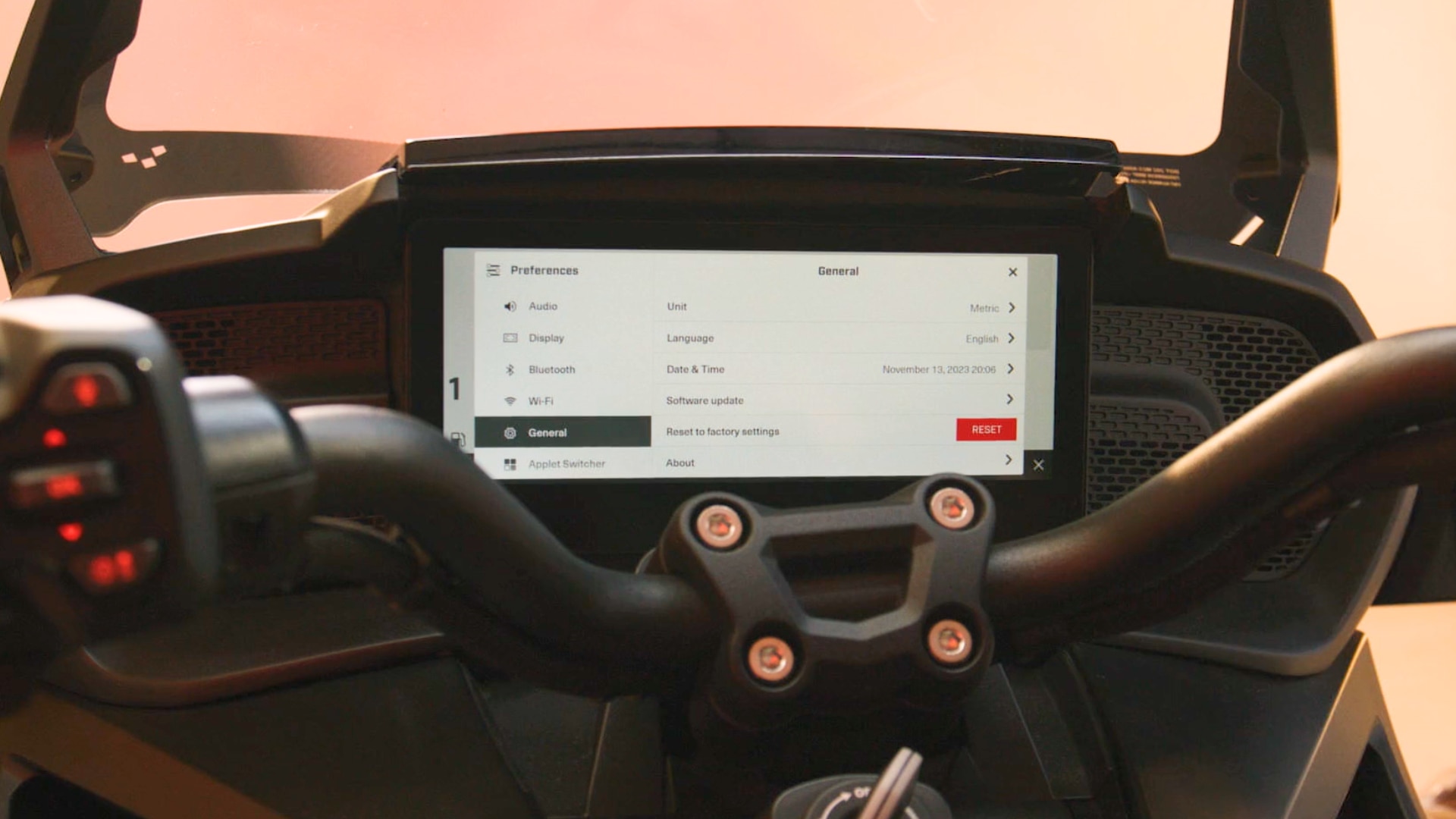
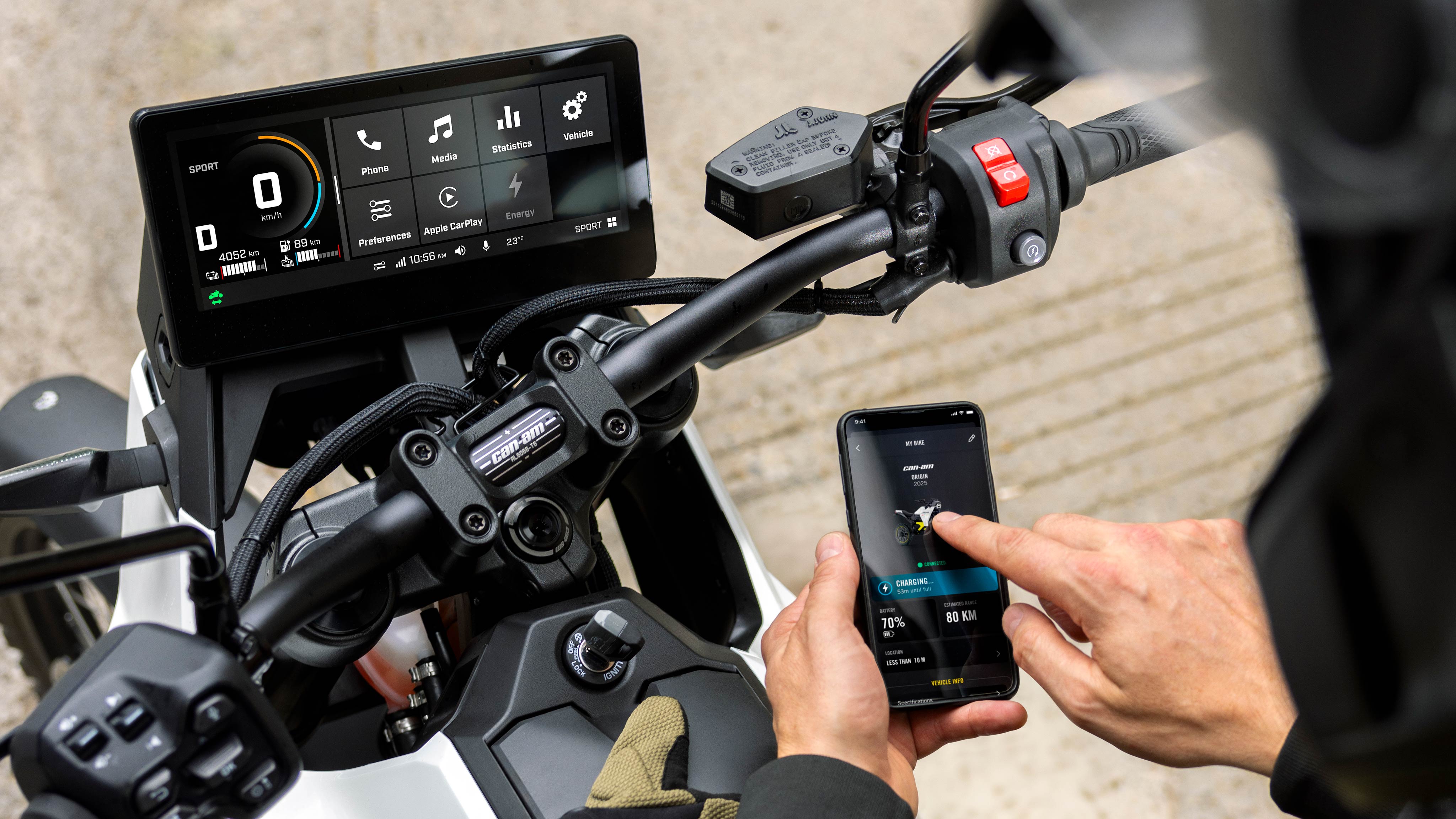
With everything activated, you are ready to connect your phone and start navigating.
Open the BRP GO! app on your phone and select the On-Road playground in the map details section. Then connect your phone to your vehicle using a high-quality data transfer cable.
💡Note: BRP recommends using a cable that supports USB 2.0 or higher, delivers at least 3 A, offers a data transfer speed of 480 Mbps or more, and is no longer than 6″. Also make sure all required permissions are enabled on your phone to avoid connection issues.
Once connected, your navigation will appear directly on your vehicle’s display, ready to guide your ride.