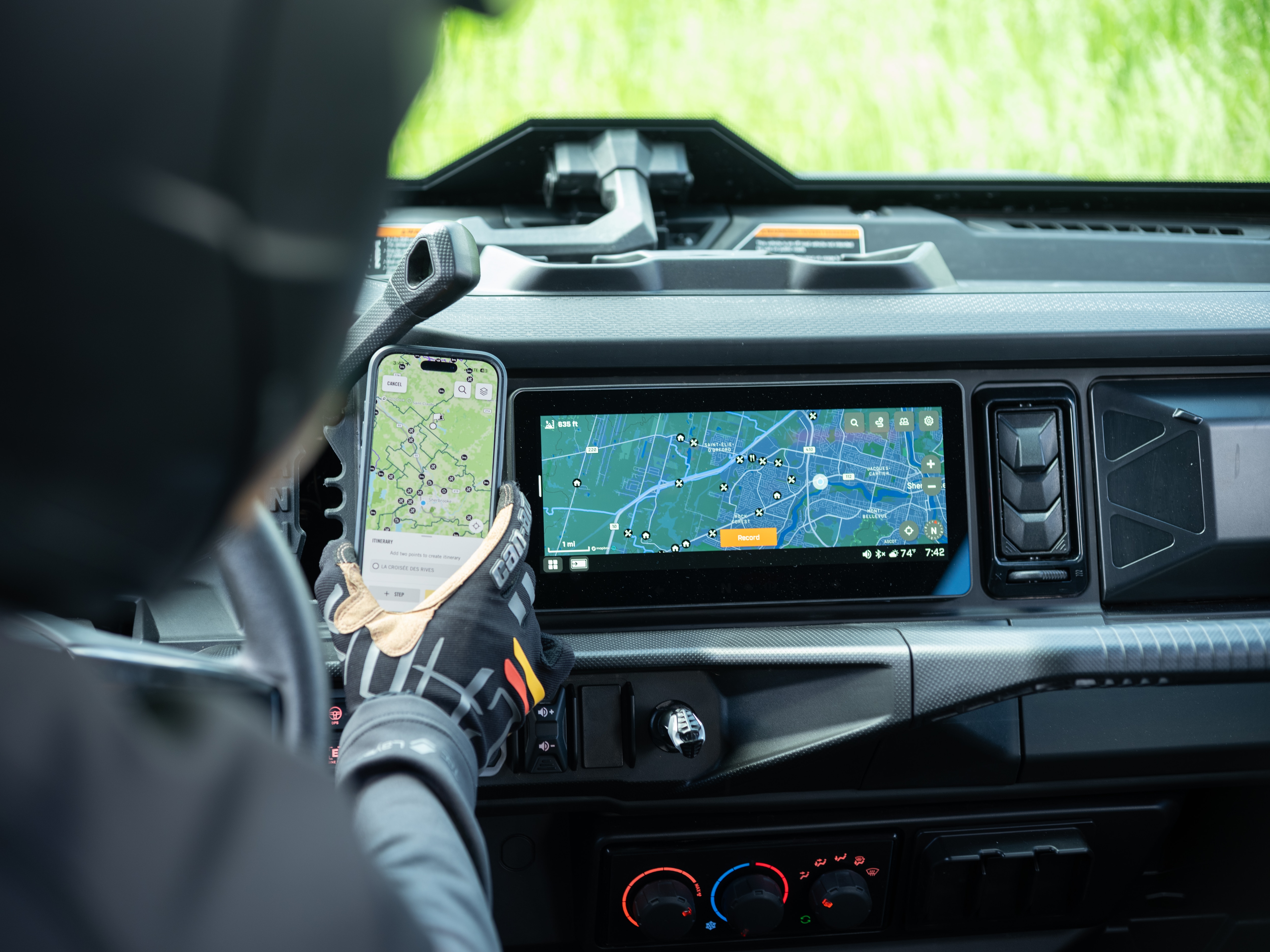
Create an Itinerary
To create an itinerary in the BRP GO! app on your phone:
1. Go to the NAVIGATION tab
2. Press the RIDES icon on the top left (below the search bar)
3. Select CREATE ITINERARY
4. Drag the marker on the map to your desired starting point
- You can tap the Search icon to choose from an official POI or a custom POI
5. Press START HERE
6. Select +STEP to add another waypoint to the itinerary
- You can tap the Search icon to choose from an official POI or a custom POI
7. Press ADD TO ITINERARY
8. Repeat steps 5 & 6 above until your desired itinerary is created
9. Select NEXT
10. Tap the 3 dots on the top right if you'd like to rename the itinerary, share it, add it to a group, duplicate it, or delete it
11. Select the arrow on the top left to save the itinerary for later