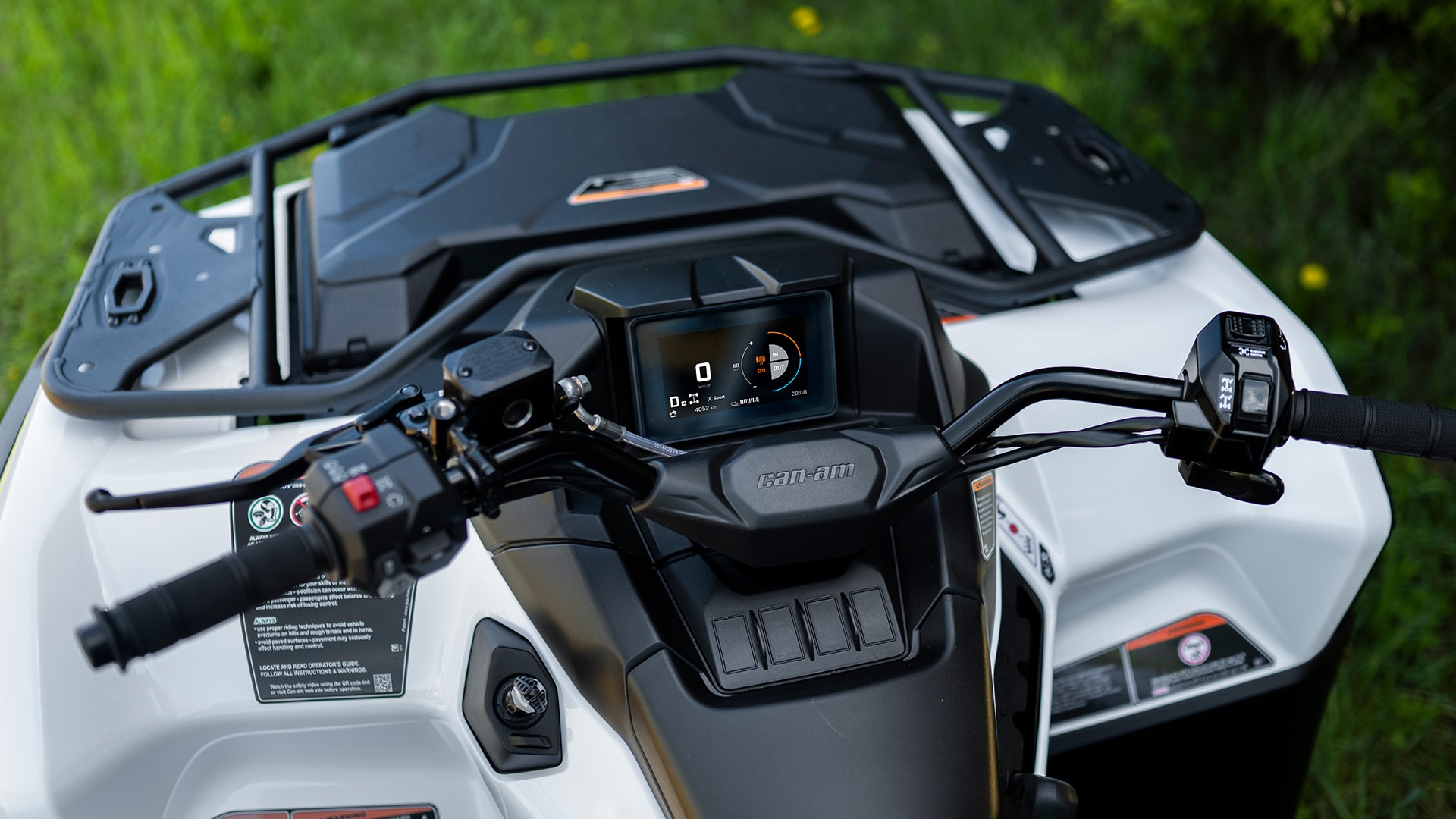
Which touchscreen display is my vehicle equipped with?
Outlander (2025 & up)*
Maverick R (2024 & up)*
Maverick (2026 & up)*
2027 Traxter HD11*
*Package dependant
2027 Traxter NextGen
10.25″ Wireless Touch Display
Watch this playlist of videos to get a detailed overview of the 10.25″ Touch Display's features.
No.
You will find the full procedure and information here.
No, only navigation from the BRP GO! app can be used on the display.
When your phone and headset are connected to the display via Bluetooth, you can:
- Initiate and receive phone calls
- Listen to music or podcasts through the headset
- Use the voice assistant
When your phone is connected to the display via a USB cable, you can:
- Use the navigation features of the BRP GO! app
- Charge your phone's battery
Using the Phone Voice Assistant, you can:
- Initiate phone calls ("Call...")
- Manage music ("Play...")
- Ask questions to Siri or Google Assistant ("What is the weather forecast for this afternoon?...")
Note: Some commands may require a network connection.
BRP recommends the use of either a Vibe, Sena, Nolan or Cardo headset that supports Bluetooth 5.0 or higher. Only models from these headset manufacturers have been tested for full compatibility in terms of Bluetooth connection and functionality with the unit. However, other aftermarket headsets could be compatible.
Yes, with touchscreen gloves.
Yes. An option to lock the touchscreen is available in the Quick Preferences (press the Quick Preferences icon in the Status bar). Once the lock mode is activated, a lock icon will appear on the screen. To unlock it, long press on the screen with your finger.
10.25″ Touch Display
Watch this video to get a detailed overview of the 10.25″ Wireless Touch Display's apps and features.
No.
You will find the full procedure and information here.
When a track kit is installed on the vehicle, DPS mode is set to a specific mode for track kit use. Therefore, you can't change the DPS mode.
At the moment, the microphone button on the steering wheel has no function.
Ensure that:
1. The audio output is set to Speakers
Settings > Audio > Output > Speakers
2. The audio configuration is set to the right level of the audio system
Settings > Audio > Audio Configuration
If a phone is already paired to the display via Bluetooth and you want to pair a new phone, you need to delete the current pairing to allow a new pairing.
If a phone is paired via Bluetooth but you don't have a headset paired AND you receive a phone call, you will receive a notification on the display that can be accepted but won't be able to talk on the phone (since the vehicle doesn't have a built-in microphone).
BRP recommends the use of either a Vibe or Sena headset that supports Bluetooth 5.0 or higher. Only models from these headset manufacturers have been tested for full compatibility in terms of Bluetooth connection and functionality with the unit. However, other aftermarket headsets could be compatible.