How to connect the BRP GO! app to your electric motorcycle

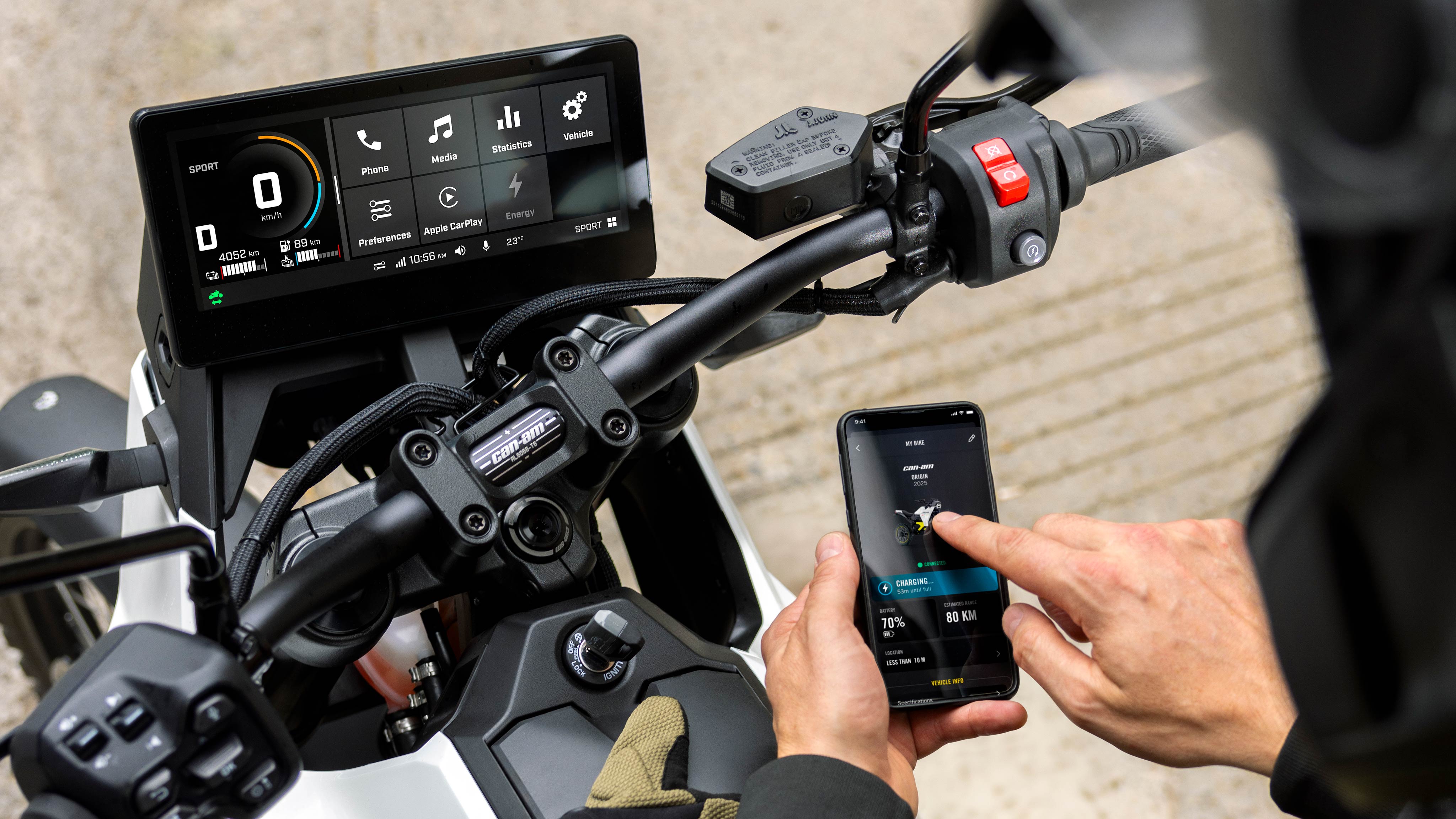
A motorcyclist ready to link his phone to his Can-Am electric motorcycle

Follow these simple steps and you’ll be ready to GO!
Watch the video.

Here’s what to do before your first ride:

1. Download the BRP GO! app

It’s available for free on the Apple Store and Google Play.

2. Create your BRP GO! account (or sign in if you have one)

It’s quick and easy! Creating an account gives you instant access to everything BRP GO! has to offer—so you can focus less on setup and more on the ride.

3. Allow precise location tracking

This will enable you to check BRP GO! for the last-known position of your vehicle once it’s parked.

4. Add your vehicle to your BRP GO! profile

Go to: Discover
Select: Activate Vehicle
Enter your vehicle’s VIN.
*The VIN can be found on the vehicle display (Applet Menu > Vehicle > Vehicle Information)

5. Pair your phone to your motorcycle via Bluetooth

Make sure that Bluetooth is activated on your phone.

  • On the vehicle display: go to Preferences > Bluetooth > Phone > Add device, and select your device.
  • On your phone: Allow the pairing and ensure that the confirmation number shown on the display matches the one on your phone.

Next time, your phone will automatically pair as soon as the motorcycle is turned on.


And here’s what to do on each ride:

 1. Open BRP GO! on your phone

BRP GO! must be running on your phone (in the foreground or the background) to allow communication between the app and your vehicle. To be sure, open BRP GO! before you ride. Double-check that you’re logged in and that your phone is paired to your vehicle via Bluetooth.

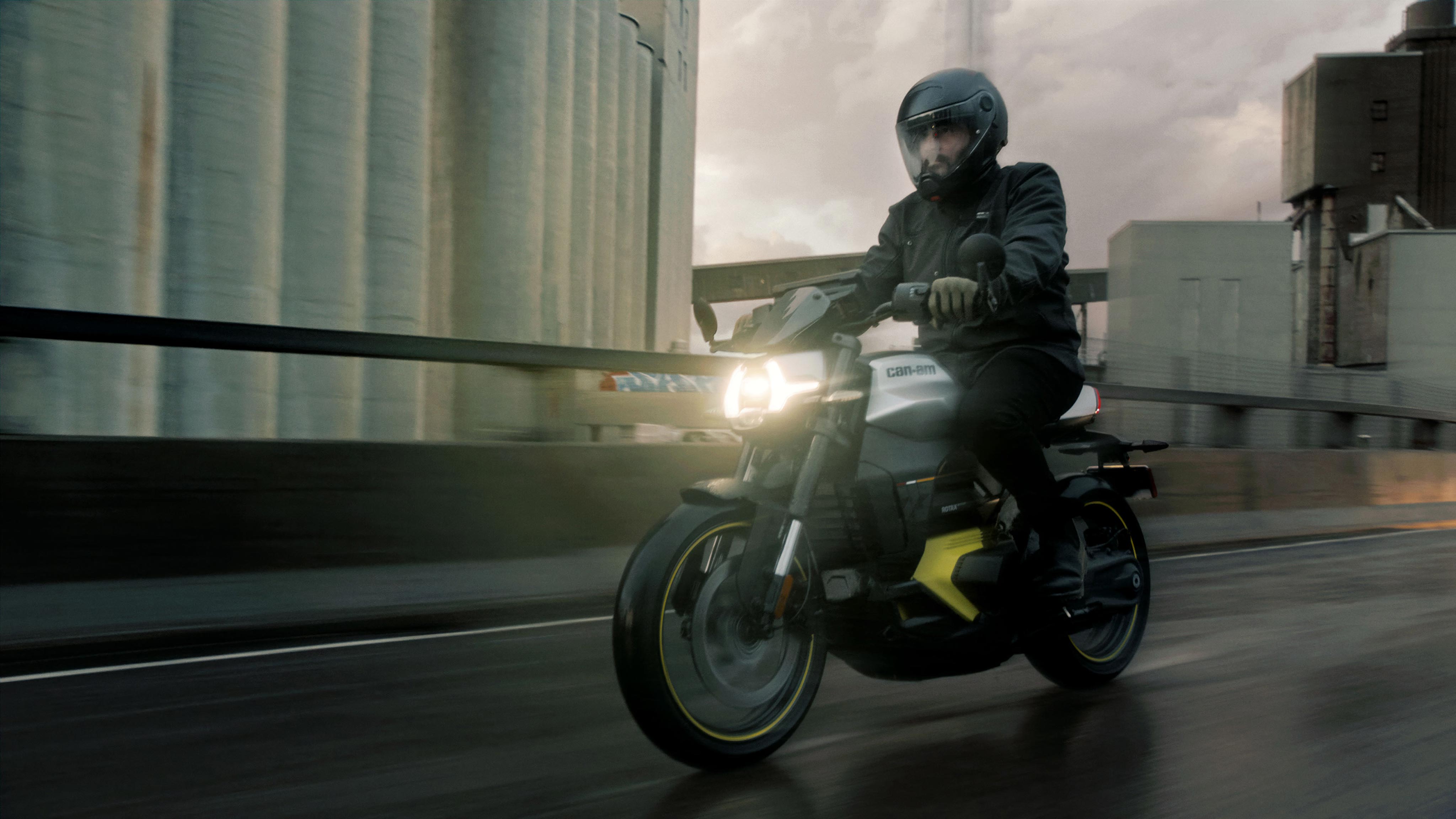
2. Go ride your EV motorcycle!

While your vehicle is on, data will transfer between your phone and your vehicle as you ride. Once you’re parked with the motorcycle off, the app will take a “snapshot” of your last-known vehicle information.

3. Find vehicle information in the app for peace of mind

Rest easy knowing you can always access the last-known vehicle information, which includes your battery level, estimated range left, estimated time to full charge and vehicle location.

All super helpful on every ride!
Other articles about electric motorcycles

  • The Rider’s Guide to Can-Am Electric Motorcycle Drive Modes

    The Rider’s Guide to Can-Am Electric Motorcycle Drive Modes


    Discover the different driving modes on Can-Am Pulse & Origin electric motorcycles. Learn how there is a driving mode for every situation.

    Learn More
  •  How to Winterize your Can-Am Electric Motorcycle

    How to Winterize your Can-Am Electric Motorcycle


    Learn how to winterize your ev motorcycle with simple storage tips and battery care practices. Keep your bike protected during cold months.

    Learn More
  • HOW TO EXTEND YOUR ELECTRIC MOTORCYCLE RANGE

    HOW TO EXTEND YOUR ELECTRIC MOTORCYCLE RANGE


    Recommendations on how to optimize the range of your Can-Am Pulse or Origin

    Learn More