BRP GO! App
Always be connected
One app. All the info you need.
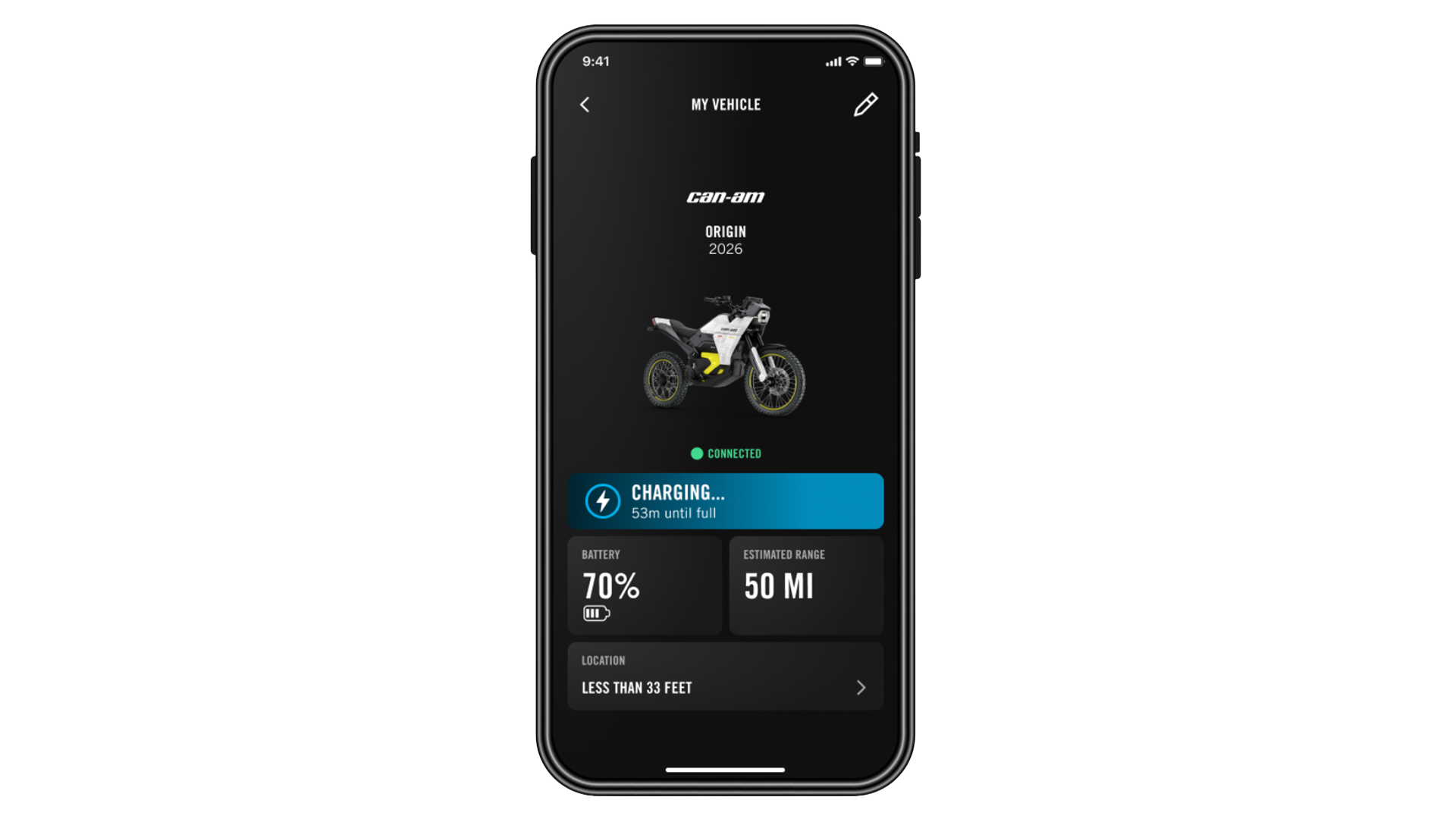
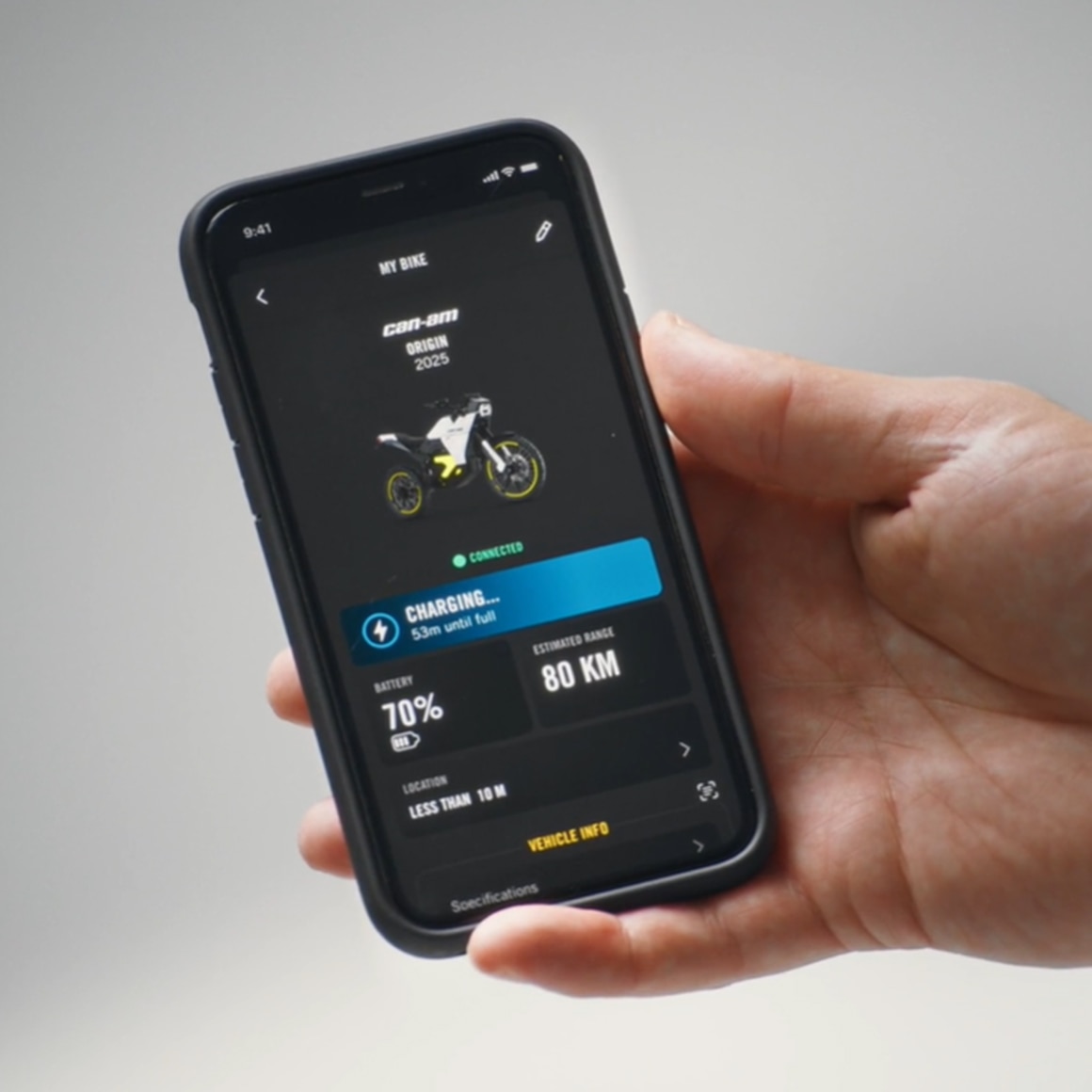
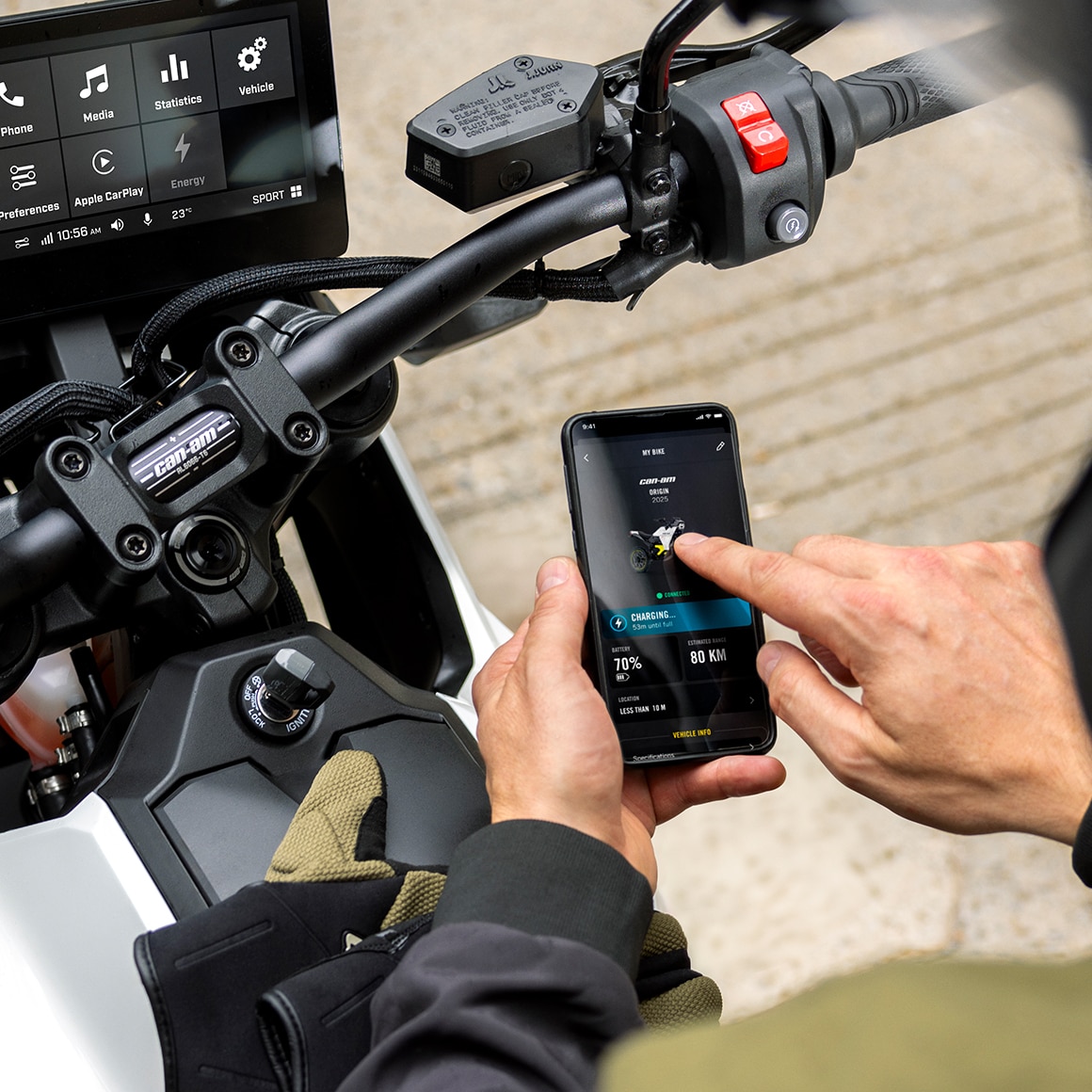
When used with your Can-Am Electric Motorcycle, BRP GO! gives you access to valuable last-known vehicle information on your phone.
Explore the key features of the BRP GO! app
Access your Can-Am vehicle info, view a summary of past rides, shop BRP accessories, access advanced navigation features, manage Vibe communication systems, and more.
- Plan Your Trip
- Find Your Friends
- Points of Interest
- Vehicle Information
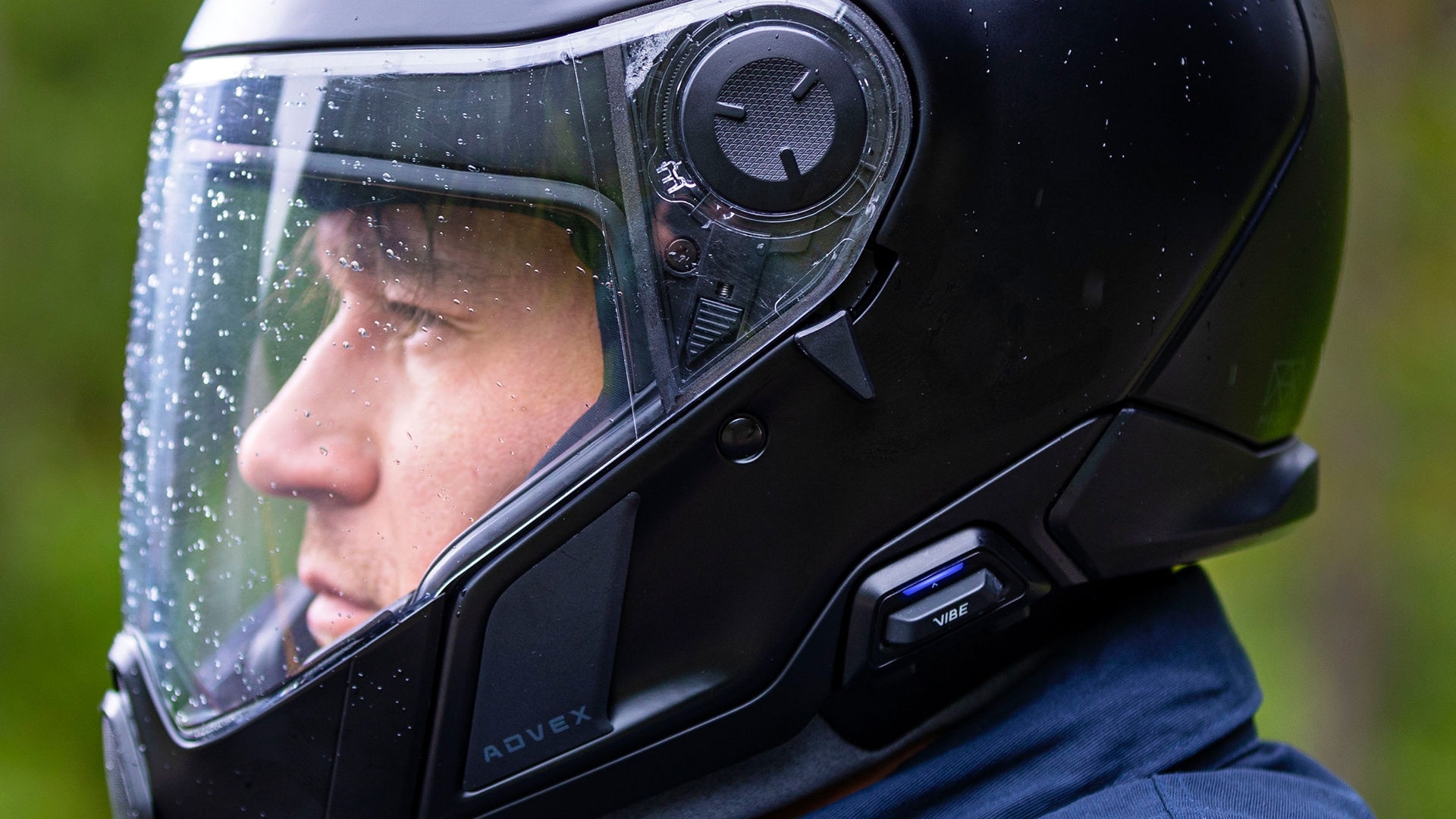
- Manage Vibe




Make the Most of the BRP GO! app
Frequently Asked Questions
BRP GO! can be used on:
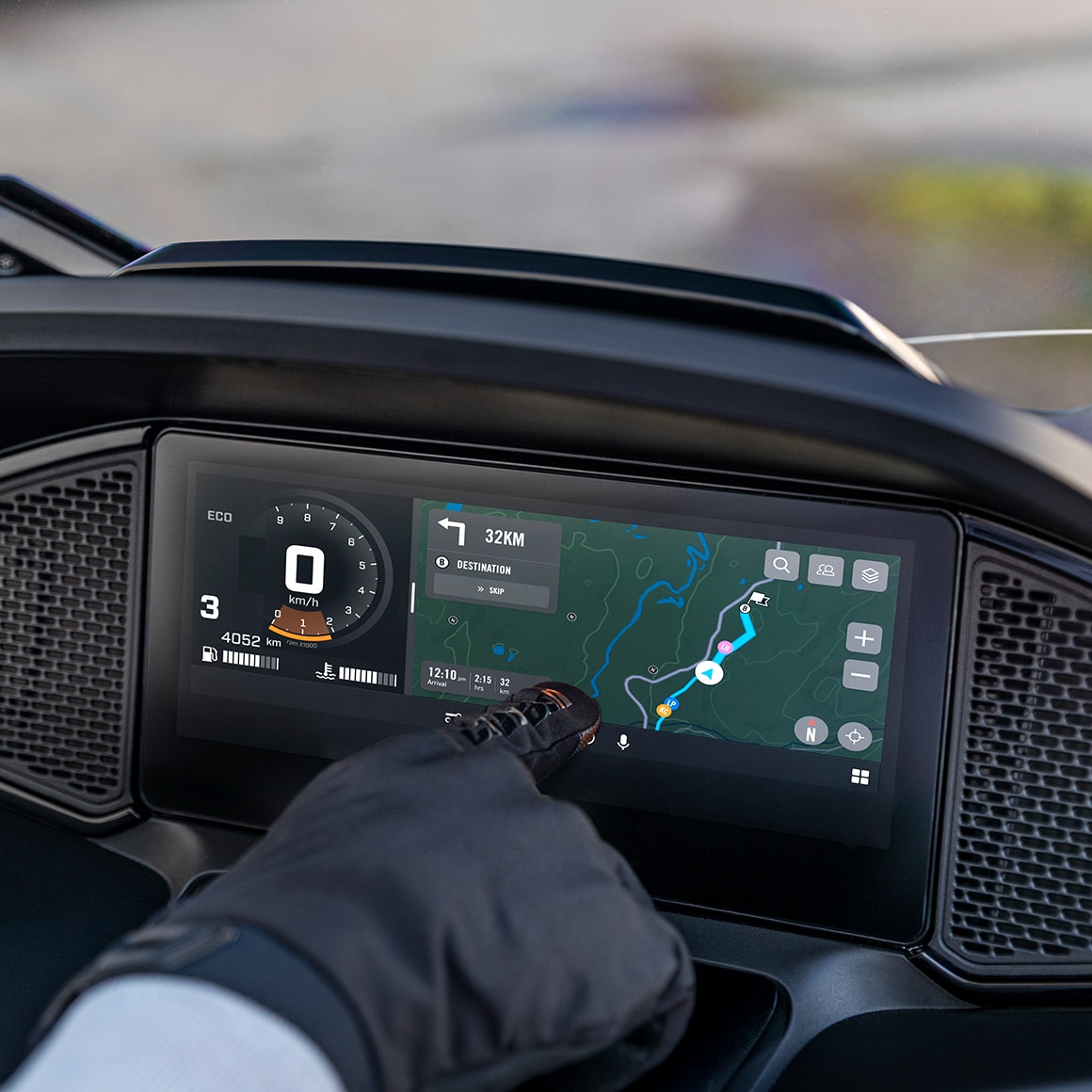
- The 10.25″ touch display of electric motorcycles and 3‑wheel vehicles. Alternatively, Apple CarPlay can be used if a Bluetooth headset is paired to the display.
- The 7.8″ display of 3‑wheel vehicles*. When BRP GO! is connected to the display, you can use select compatible apps on the vehicle display.
*BRP GO! On-Road Navigation is not compatible with the 7.8'' display
New on‑road navigation features are now available on the BRP GO! mobile app for 10.25" display screens. This solution works seamlessly on both Android and iOS, with no headset required.
Available features include:
- Route planning
- Turn‑by‑turn navigation
- Address search directly from the display
- Friends’ live location on the map (with cellular network access) and more!
Note: Android users can pair their phone to the display via Bluetooth to listen to music, make phone calls, and use the voice assistant.
Yes. We recommend using a USB cable that meets the following specifications:
- USB 2.0 or higher
- Supports up to 3 amps
- Data transfer speed of at least 480 Mbps
- Maximum length of 6 inches
If you are using an Android phone, ensure the following permissions are enabled in your phone’s settings:
- Appear on top (Settings > Apps > BRP GO! > Appear on top > On)
- Nearby devices and Phone (Settings > Apps > BRP GO! > Permissions)
When the phone is paired to the Can-Am electric motorcycle and the BRP GO! app is active on the phone, vehicle information is shown in real time in the app.
When the phone is no longer paired (ex: you turn off your vehicle), the app will display the last known vehicle information.
The USB port is usually located in the glovebox, phone compartment, or front cargo compartment, depending on the model. Please verify the exact location in your Operator’s Guide.